|
|
|
|
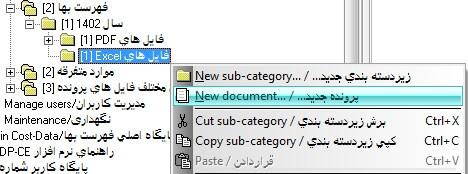
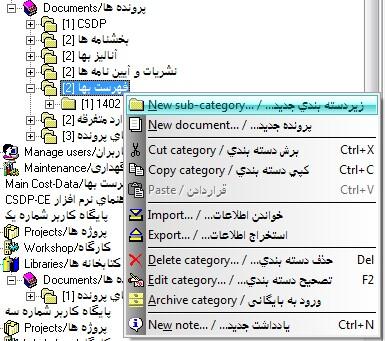
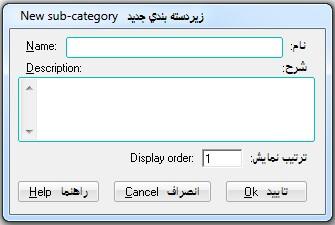
- Possibility to define as many categories/sub-categories as needed for grouping documents under the Documents branch in each Main and User database.
|
|
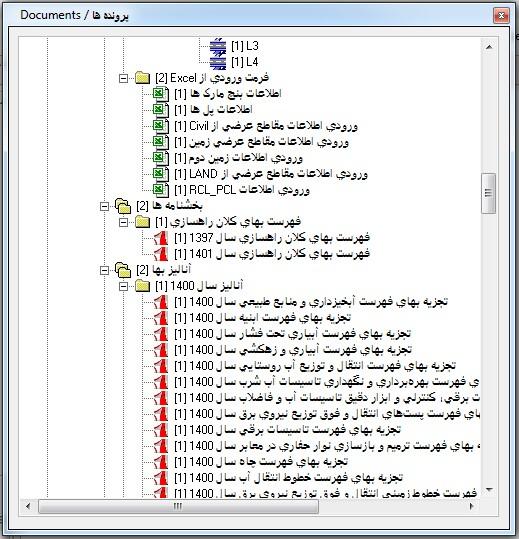
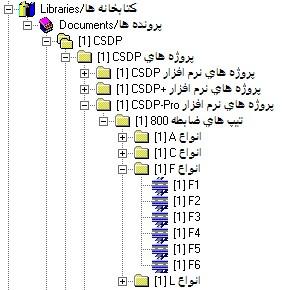
- Possibility to define as many documents as needed under categories/sub-categories, as well as to define any number of documents under each project/sub-project or structure/sub-structure under Workshop and Projects.
|
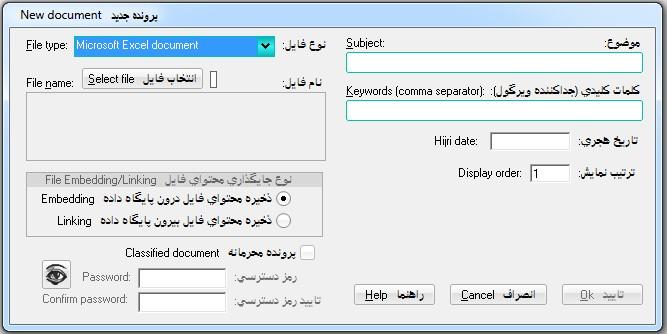
- Possibility to specify how the contents of the associated file of a document are stored, either as Embedded or Linked.
|
- Possibility to define classified documents that require an access password for editing or viewing.
|
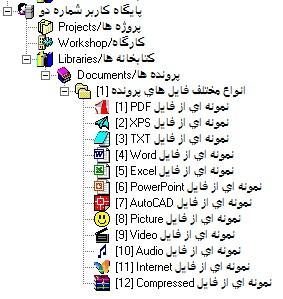
- Possibility to define documents of the following types: PDF, XPS, Text, Word, Excel, PowerPoint, AutoCAD, Picture, Video, Audio, Internet, Compressed, and projects of CSDP, CSDP-CD, CSDP+, CSDP-Pro, CSDP-XPro, and CSDPMAP software.
- Possibility to retrieve the original file of documents that were initially stored as Embedded.
|
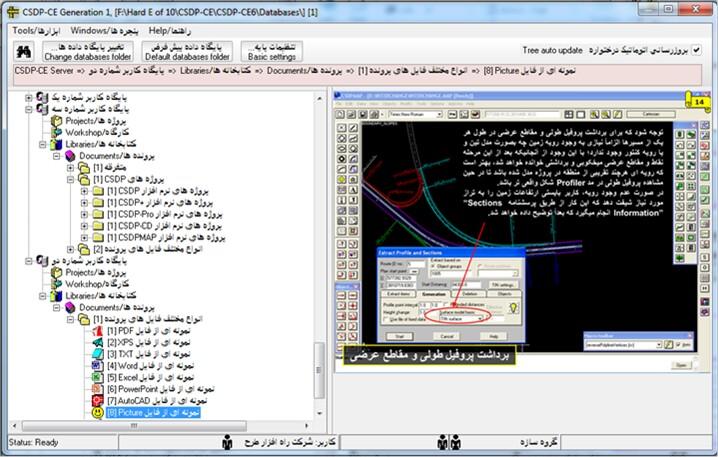
- Preview of document contents in the right panel
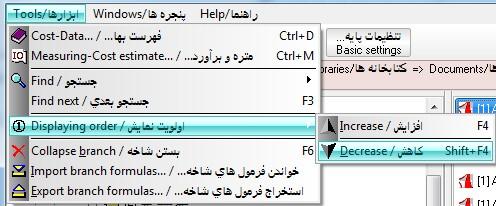
- Possibility to change the display order of categories/sub-categories using the F4 and Shift+F4 shortcut keys
- Possibility to specify the maximum file size for documents when storing their contents in the database as Embedded
|
- Possibility to view a list of all documents in the Main and User databases
- Possibility to define keywords while defining a document and search for documents based on them
|
|
|
| Back to Top |
|
|
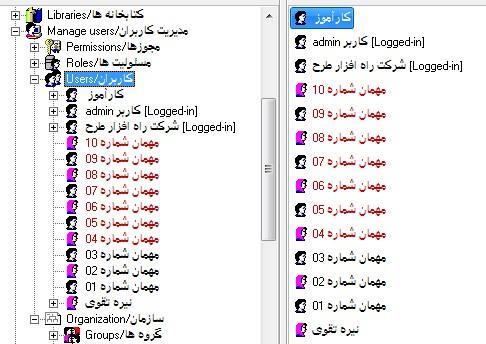
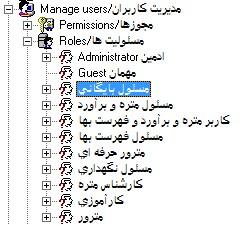
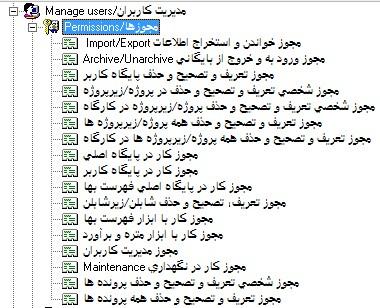
- Possibility to work with the system at different user levels with different permissions, including the Administrator user with all permissions and the Guest user with view-only permission, as well as other users with permission levels between these two.
|
|
|
|
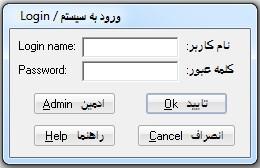
- Login with a username and password is required to access the system and to access each server.
|
|
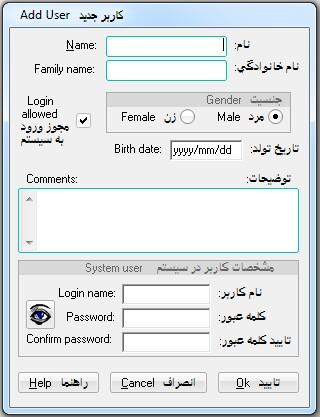
- Possibility to define a new user with personal details and assign a username and password.
|
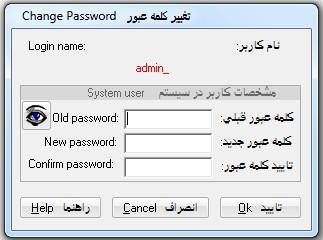
- Possibility to change the password only for the user who has logged into the system with that username and password.
|
- Possibility to define a new role or user in the system, and edit and delete it.
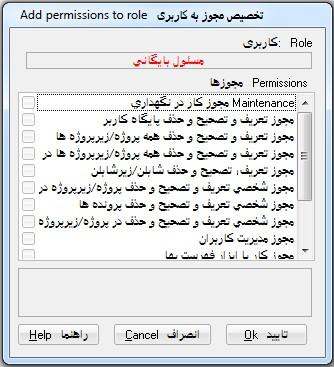
- Possibility to assign different permissions to a defined role or user.
|
|
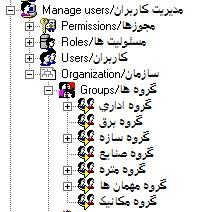
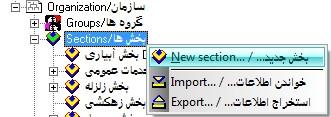
- Possibility to define new groups, sections, departments, and divisions in the system, and edit and delete them.
|
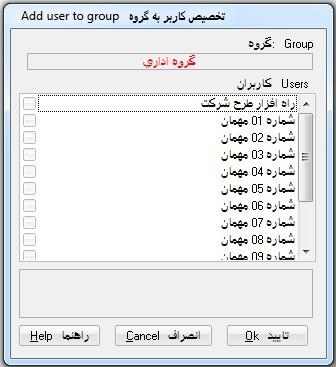
- Possibility to assign one or more users to one or more groups.
|
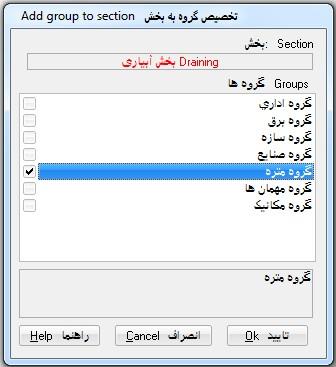
- Possibility to assign one or more groups to one or more sections.
|
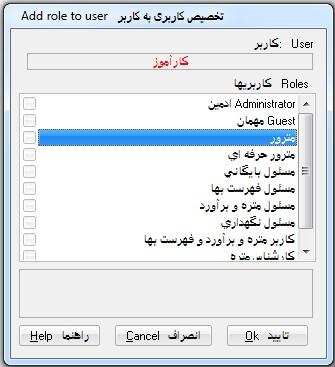
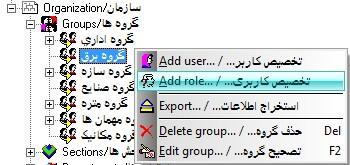
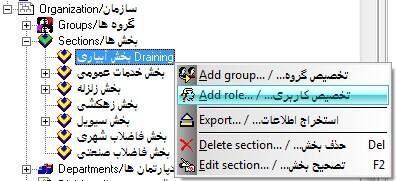
- Possibility to assign one or more roles to one or more users, one or more groups, and one or more sections.
|
|
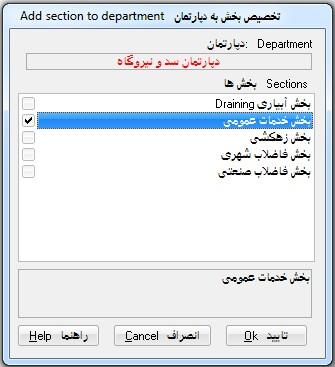
- Possibility to assign one or more sections to one or more departments.
- Possibility to assign one or more departments to one or more divisions.
|
| Back to Top |
|
|
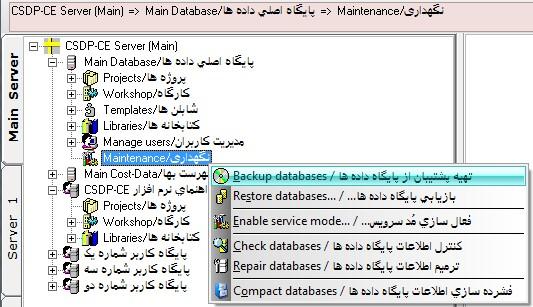
- Possibility to create backup files of the databases (Main and User) on each server
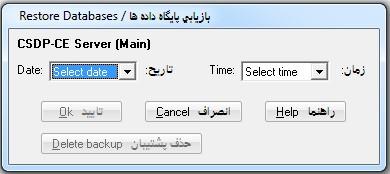
- Possibility to restore databases from backup files
|
|
|
- Possibility to delete backup files when no longer needed
- Possibility to check database information for potential inconsistencies
- Possibility to repair database information by checking for inconsistencies and cleaning up
|
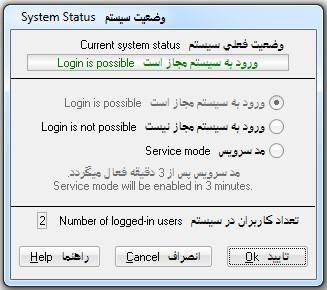
- Possibility to activate Service Mode and enable or disable system access
- Possibility to compress database information on each server
|
|