|
|
|
|
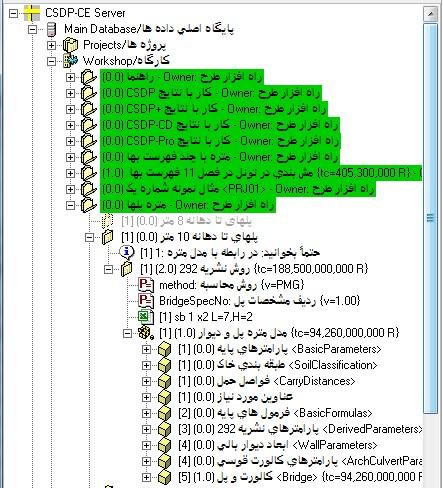
- Providing an environment for creating a Quantity Takeoff Model under the “Workshop” node
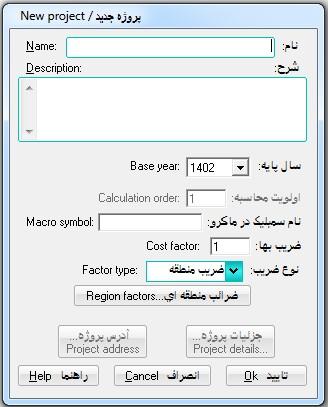
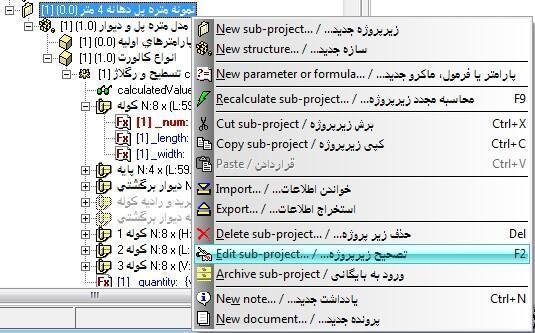
- Possibility of creating any number of projects and sub-projects at any level, meaning that each sub-project can itself contain other sub-projects
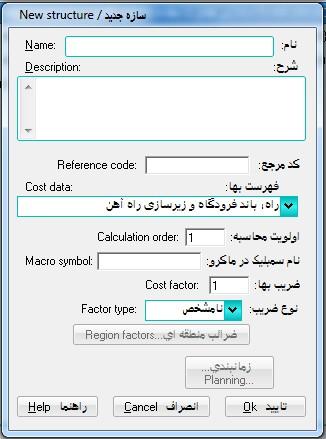
- Possibility of creating any number of structures and sub-structures under each project and sub-project at any level, meaning that each sub-structure can itself contain other sub-structures
|
|
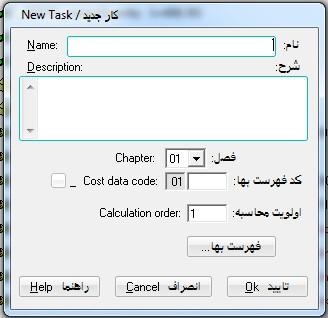
- Possibility of defining different works for each structure/sub-structure as required and assigning each work to an item in the Cost-Estimating Book
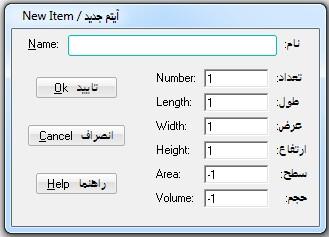
- Possibility of defining different items as required for calculating the quantity of a work
|
|
- Possibility of defining different parameters as required under each project/sub-project, structure/sub-structure, work, and item
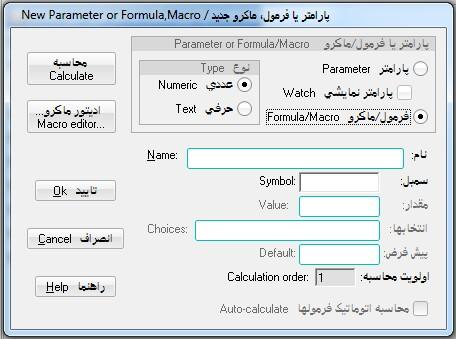
- Possibility of defining different formulas as required under each project/sub-project, structure/sub-structure, work, and item
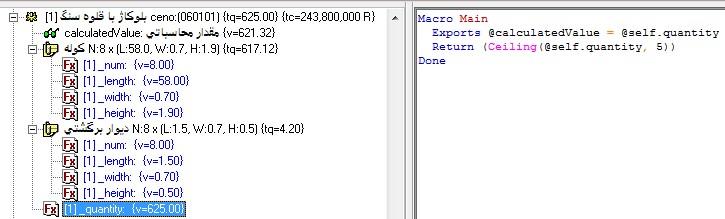
- Providing an environment for programming a formula using the Macro programming language
|
|
|
- Possibility of defining watch parameters under each project/sub-project, structure/sub-structure, work, and item
- Possibility of using special formulas in creating the Quantity Takeoff Model and performing the related calculations
|
- Possibility of defining a symbolic name for each project/sub-project and structure/sub-structure for using them in the parameters and formulas defined under them during Macro programming
- Possibility of using the special formulas "_num", "_length", "_width", "_height", "_area", and "_volume" to determine the number, length, width, height, area, and volume values when defining an item in the Quantity Takeoff Model
|
Back to Top
|
- Possibility of using the special "_quantity" formula to determine the quantity of an item or a work
- Possibility of using the special "_cost" formula to determine the cost of a work, structure, sub-structure, or project, sub-project
|
|
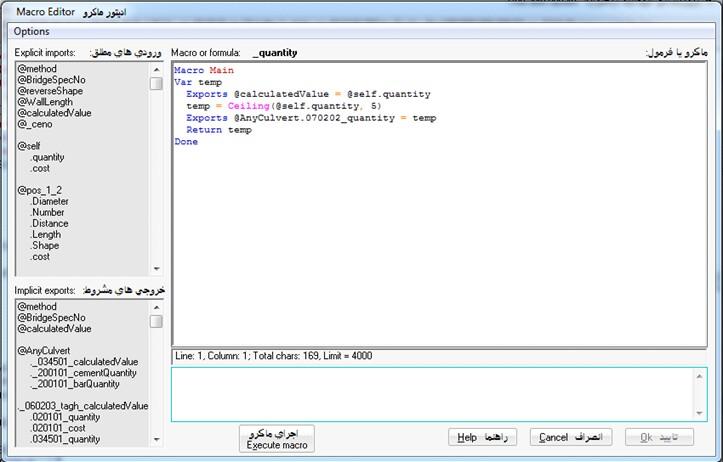
- Possibility of using the special "@self.quantity" formula to access the calculated value of an item or a work
- Possibility of using the special "@self.cost" formula to access the calculated value of a work, a structure/sub-structure or a project/sub-project
- Possibility of accessing the calculated values of a work using the Cost-Estimating Book item number with the ".quantity" suffix
- Possibility of accessing the calculated cost of a work using the Cost-Estimating Book item number with the ".cost" suffix
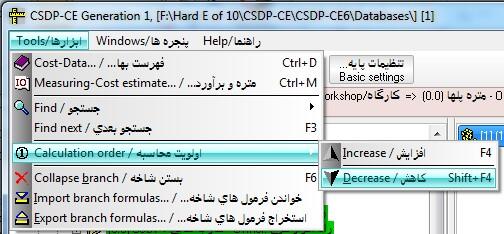
- Possibility of determining the calculation order of projects/sub-projects, structures/sub-structures, and works
|
- Possibility of changing the calculation order using the F4 and Shift-F4 shortcut keys
- Possibility of writing a formula macro in the Macro Editor, executing it, and viewing the formula result
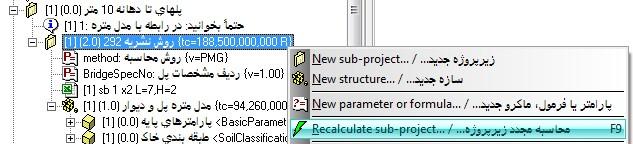
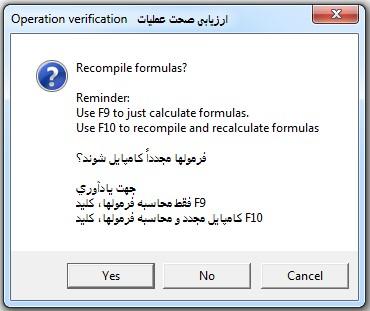
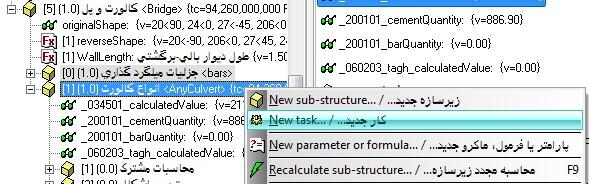
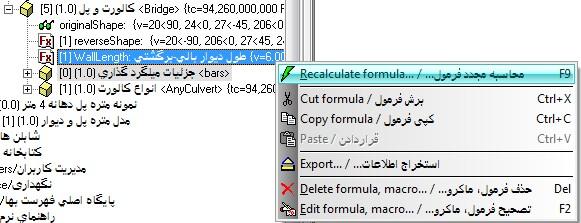
- Possibility of recalculating any of the nodes of projects, sub-projects, structures, sub-structures, works, items, and formulas using the F9 and F10 shortcut keys
|
|
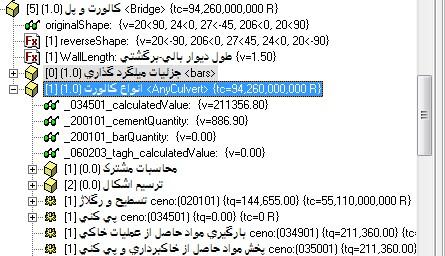
- Possibility of automatic refreshing of the tree structure when changes are made to any node in its branches and sub-branches
|
|
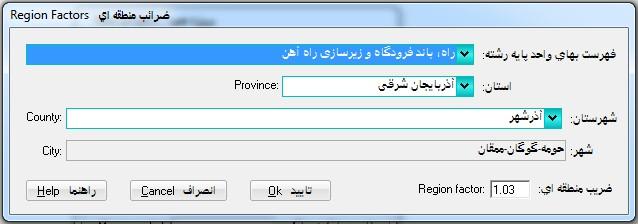
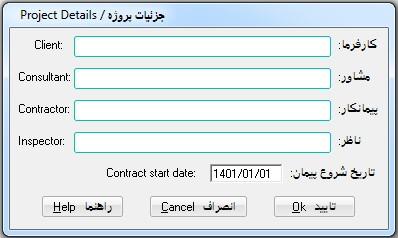
- Possibility of defining a cost coefficient for each project/sub-project (contract, regional, overhead)
- Possibility of defining a cost coefficient for each structure/sub-structure (regional, overhead, floors)
|
|
|
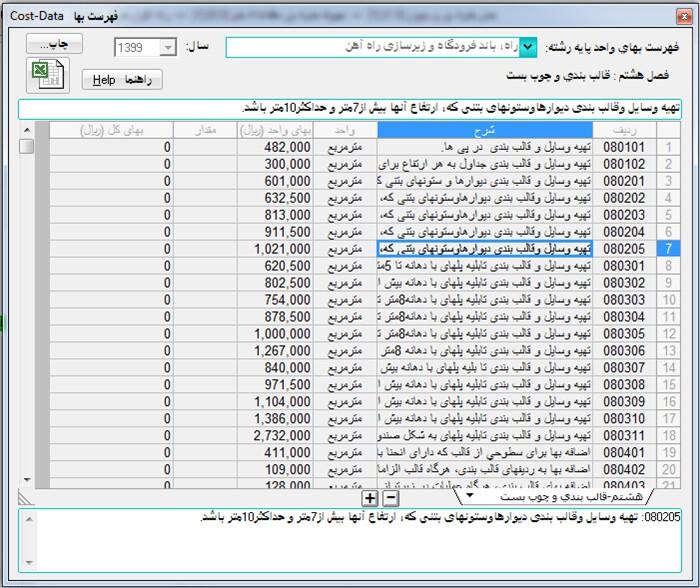
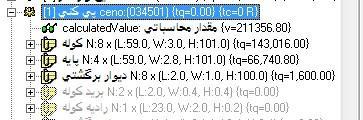
- Possibility of using the special "_ceno" and "_name" formulas to change the Cost-Estimating Book item number of a work, as well as the name or description of that work, while programming a formula macro
|
- Possibility of using the special "_unit" and "_price" formulas to change the Cost-Estimating Book item unit of a work, as well as the unit price of that work, while programming a formula macro
|
|
|
- Possibility of changing the calculation order of works using the F4 and Shift+F4 shortcut keys
|
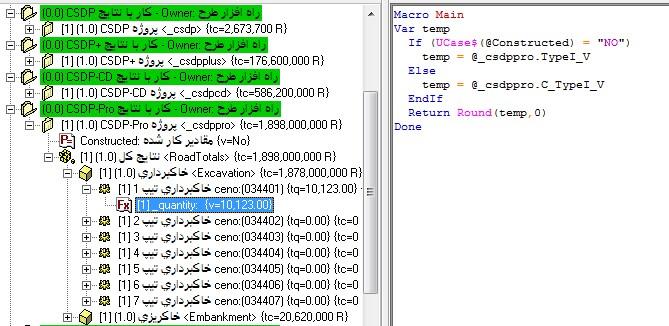
- Possibility of accessing the area and volume results of the CSDP, CSDP-CD, CSDP+, CSDP-Pro, and CSDP-XPro software through the special naming of projects/sub-projects or structures/sub-structures under the names "_csdp", "_csdpcd", "_csdpplus", and "_csdppro"
|
| Back to Top |
|
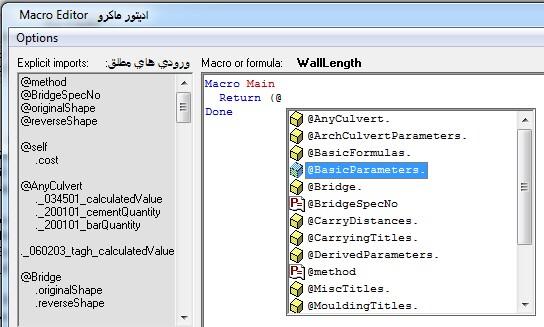
- Macro programming capabilities for writing a formula when creating a Quantity Takeoff Model
|
|
|
- Possibility of defining an unlimited number of formulas for each project/sub-project, structure/sub-structure, work, and item in the Workshop and Projects nodes
|
- Possibility of accessing the area and volume output results of the CSDP, CSDP-CD, CSDP+, CSDP-Pro, and CSDP-XPro software while writing a formula macro
|
|
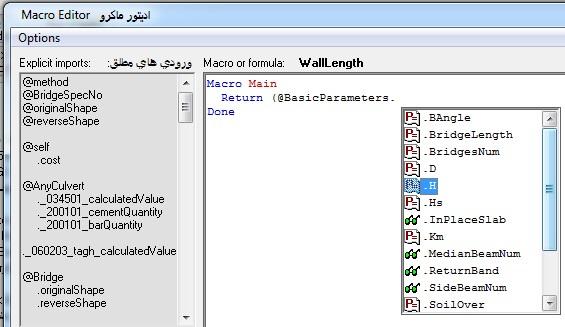
- Providing an environment under the name “Macro Editor” for writing and testing a formula macro
- Possibility of writing in Persian in the Macro Editor using watch parameters
|
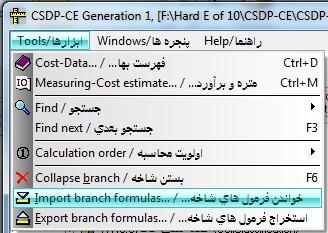
- Possibility of exporting all formulas of a branch/sub-branch as a text file
- Possibility of importing all formulas contained in a text file and placing them in their respective branches/sub-branches
|
|
|
- Possibility of searching formulas based on the content of their formula macros
|
| Back to Top |
|
|
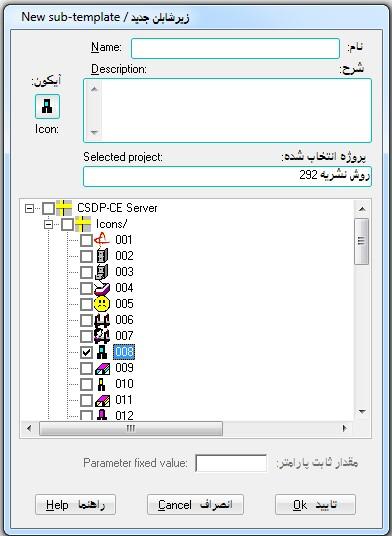
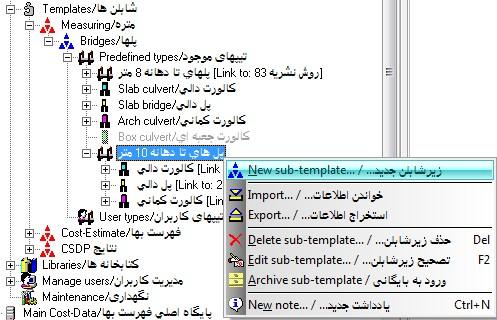
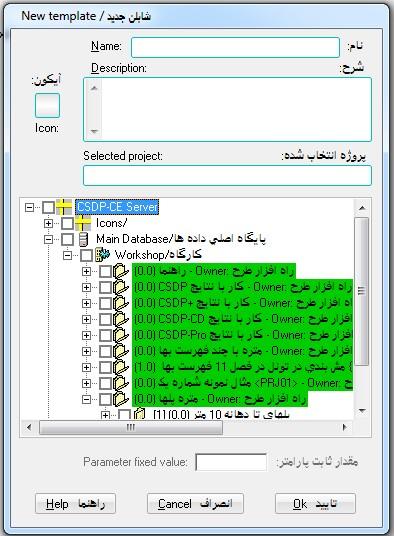
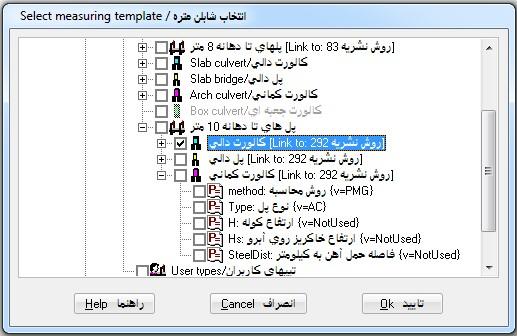
- Possibility of defining a Quantity Takeoff Template/Sub-template based on the Quantity Takeoff Model created in the Workshop for calculating structures/sub-structures
- Possibility of using the created Quantity Takeoff Templates to calculate the corresponding structures in the Projects nodes
|
|
|
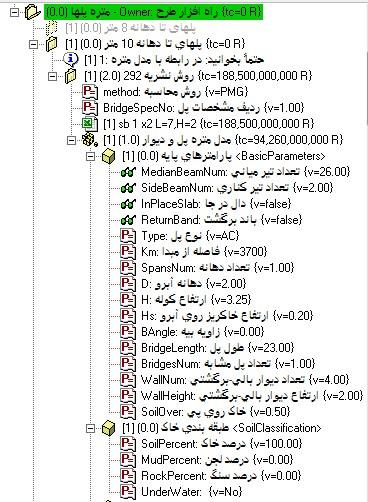
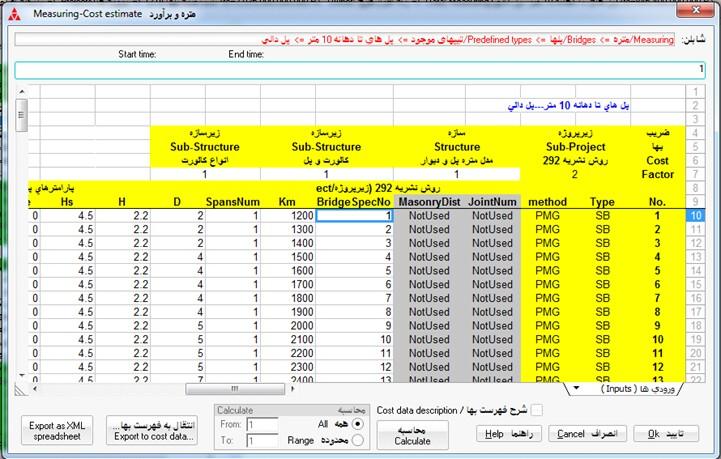
- Determining the values of the parameters defined in the Quantity Takeoff Model while using the Quantity Takeoff Template
|
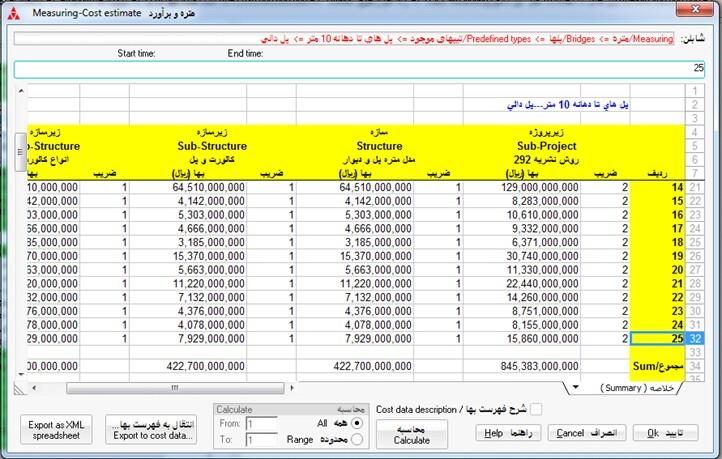
- Calculating the quantities and cost estimating the works defined in the Quantity Takeoff Model while using the Quantity Takeoff Template
- Cost estimating the structures/sub-structures and projects/sub-projects involved in the Quantity Takeoff Model while using the Quantity Takeoff Template
|
|
|
|
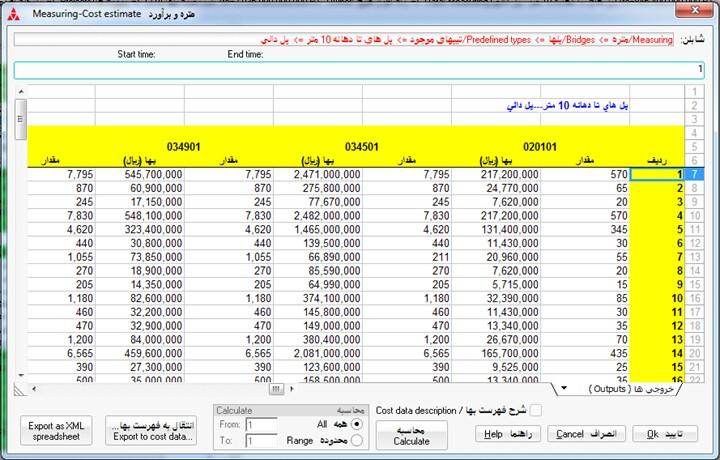
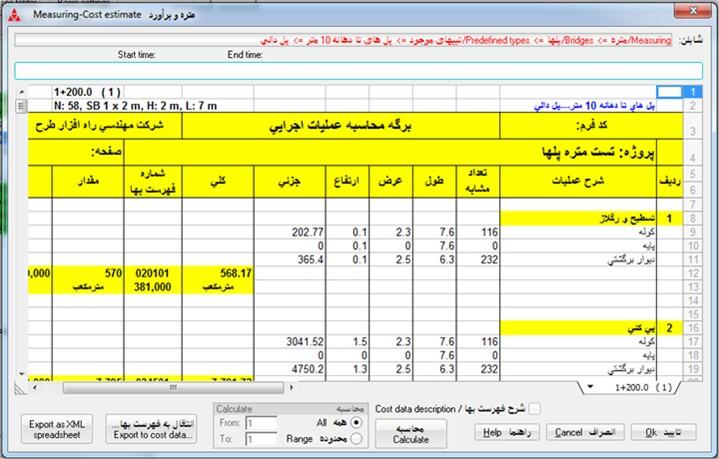
- Automatic preparation of a Quantity Takeoff Detail Sheet for each defined structure based on the Quantity Takeoff Model, with each sheet provided separately
|
|
|
- Possibility of transferring Quantity Takeoff results to Microsoft Excel
|
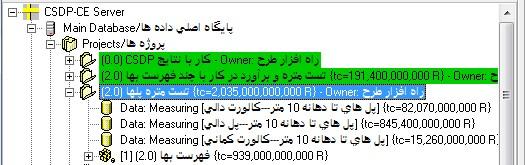
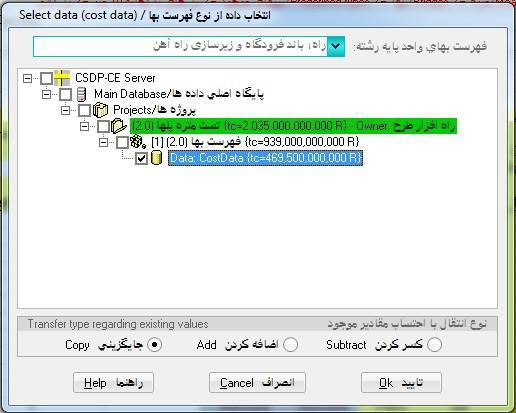
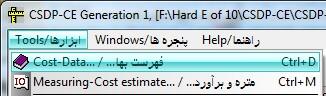
- Possibility of transferring the quantity takeoff values of the works defined in the Quantity Takeoff Model to the Cost-Estimating Book tool
|
|
|
- Creating a Quantity Takeoff and Cost Estimating “Data” node for each project/sub-project based on the Quantity Takeoff Model in the Projects nodes, with the ability to edit and delete
|
|