|
|
|
|
|
|
|
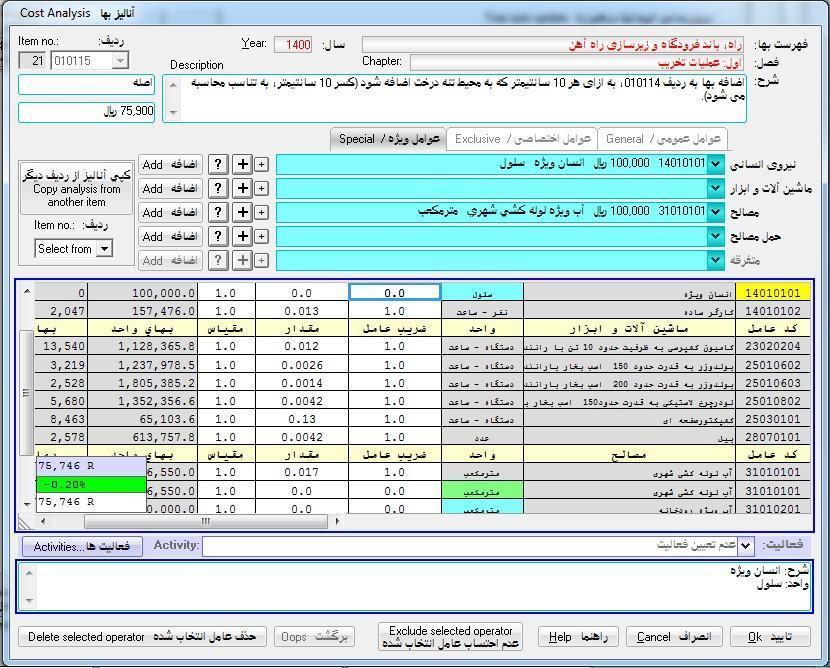
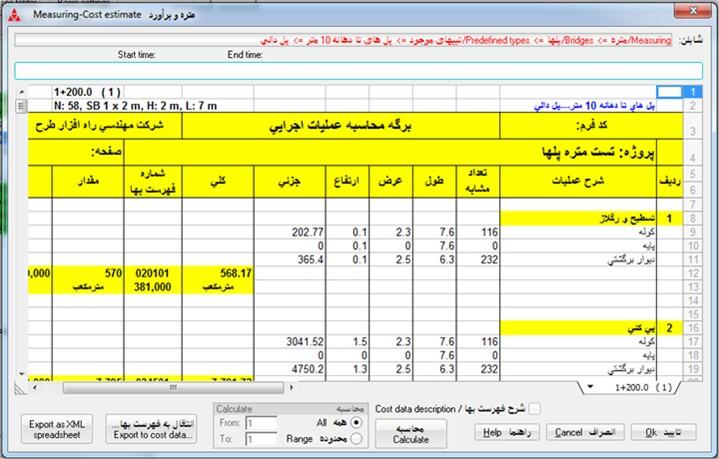
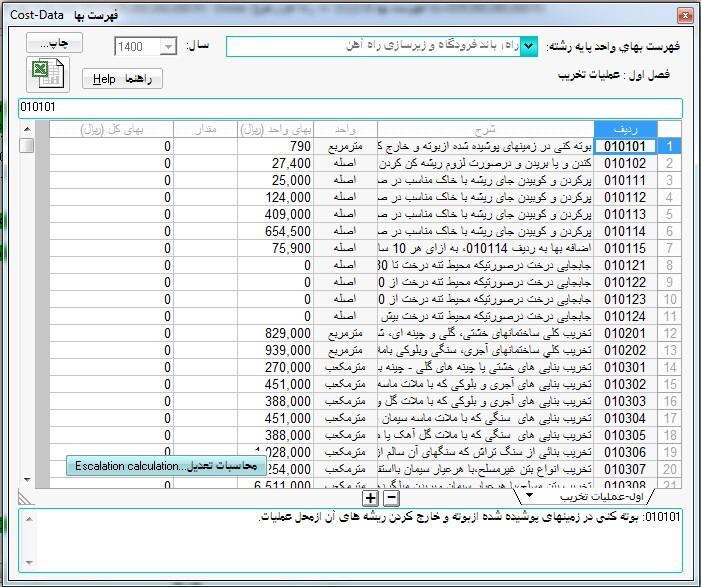
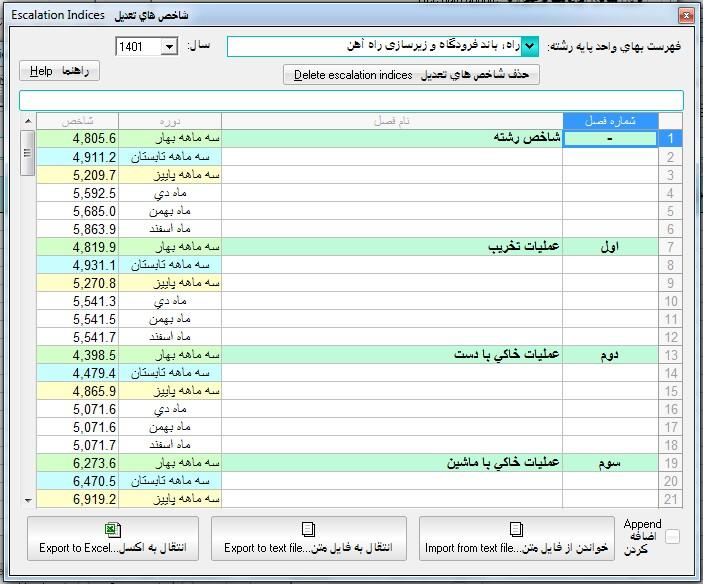
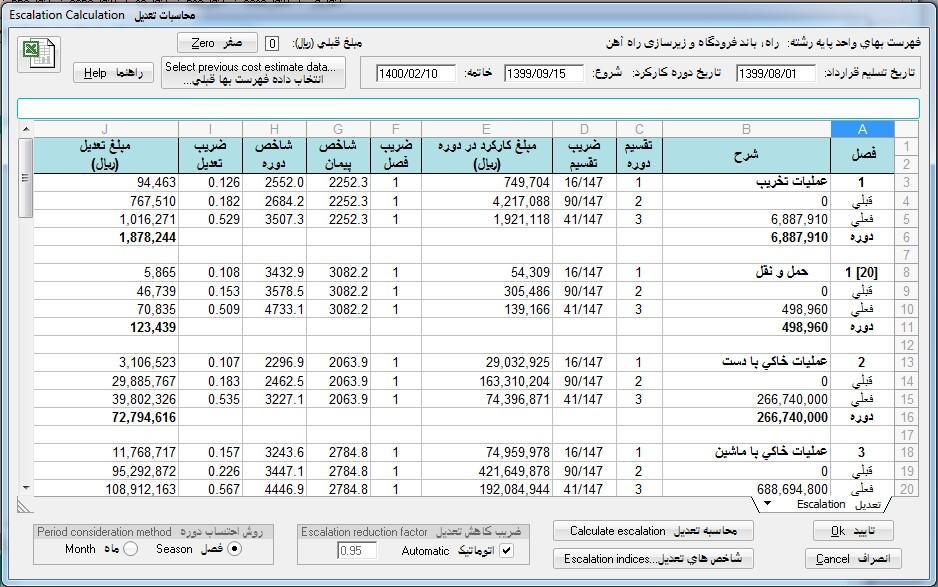
- Software for creating quantity takeoff models and subsequently preparing cost estimates, with features and capabilities related to the Cost-Estimate Book, cost analysis, Cost Components, and escalation indices and analysis
- Possibility to create quantity takeoff models under the Workshop node, then create quantity takeoff templates, and ultimately use the templates under the Projects node
|
|
|
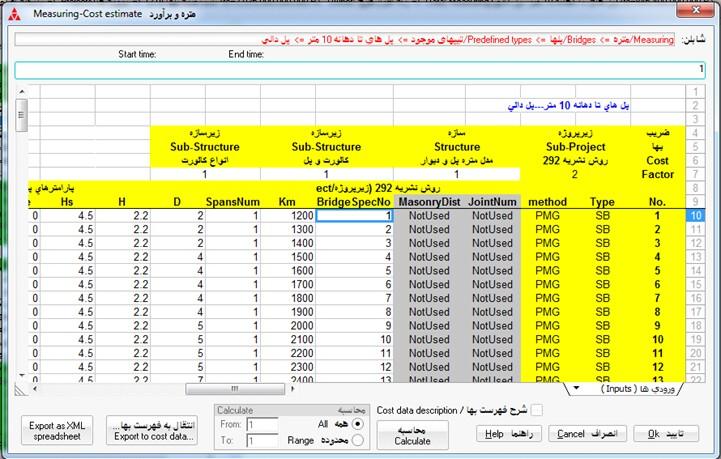
- Provides a macro programming environment with a very simple programming language for creating quantity takeoff models
- An environment consisting of a main tree structure in the left panel, with various capabilities available for each node in the tree
|
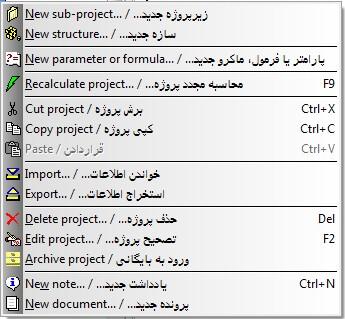
- Provides a minimal number of top-level menus at the top, with pop-up menus associated with each node in the tree instead
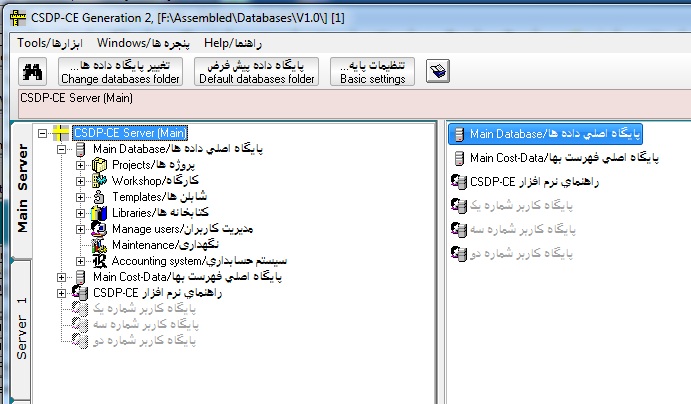
- Provides one main server and the Possibility to define and connect up to three additional servers simultaneously
|
|
|
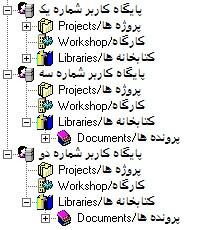
- Provides a separate main database on each server, independent of the other servers, as well as the Possibility to define user databases on each server separately from the main database
|
- Possibility to define projects, sub-projects and structures, sub-structures in successive branches and sub-branches with no limit on the number of levels
- Possibility to define an unlimited number of tasks for each structure, sub-structure and an unlimited number of calculation items for each task to create a quantity takeoff model
|
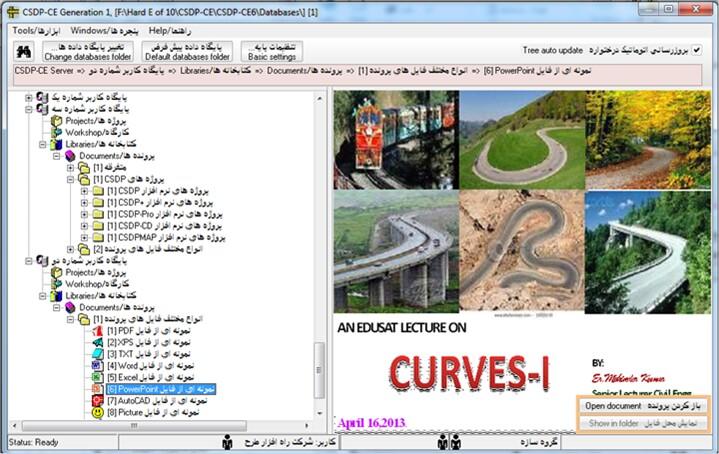
- Possibility to create documents in various formats and group them under different categories, sub-categories in two modes: Embedded and Linked
|
|
`- Possibility to manage users, including defining users/user roles, assigning permissions, and creating groups, sections, departments, and various organizational divisions
|
Back to Top |
|
|
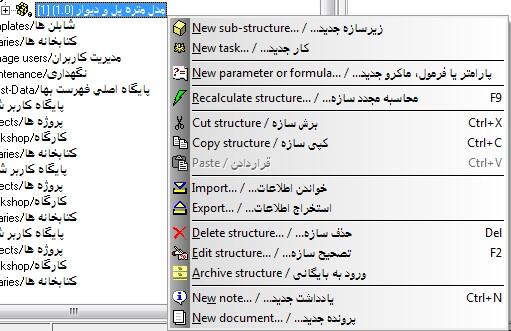
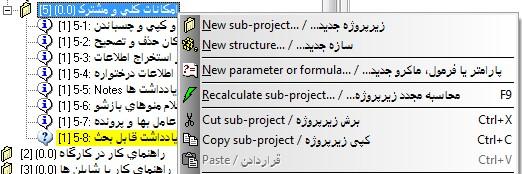
- AvailPossibility of pop-up menus containing relevant items by right-clicking on each node in the tree
- A panel on the left for displaying the tree and a panel on the right for displaying information about the selected node
|
|
- Possibility to create and connect up to three additional servers simultaneously, in addition to the main program server
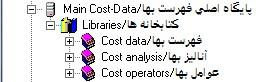
- Possibility to create any number of user databases on each server, in addition to the two main databases and the main Cost-Estimate Book database on each server
|
|
|
- Possibility to manage users by defining new users and user roles, creating groups, sections, departments, and organizational divisions, and assigning various permissions to users, user roles, groups, and sections
|
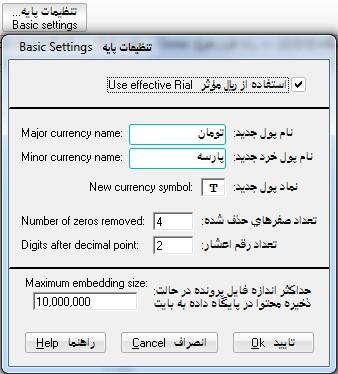
- Introduction of the new concept of “Effective Rial,” with the Possibility to simultaneously define new primary and secondary currency units (e.g., Toman–Parseh)
|
| Back to Top |
|
|
- Possibility to cut, copy, and paste various items across different sub-branches within the main Workshop and Projects branches in each main or user database and between servers
|
|
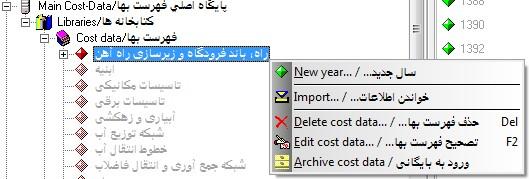
- Possibility to delete and edit various items using the node pop-up menu options in the tree
|
|
- Possibility to import or export information for various nodes through XML-formatted files
|
|
- Possibility to archive/unarchive information for branches and sub-branches related to projects/subprojects and structures/substructures in each main or user database, as well as the same capPossibility in the main Cost-Estimate Book database for Cost-Data categories, Cost-Estimate Books, years, cost analyses, Cost Components, and similar items
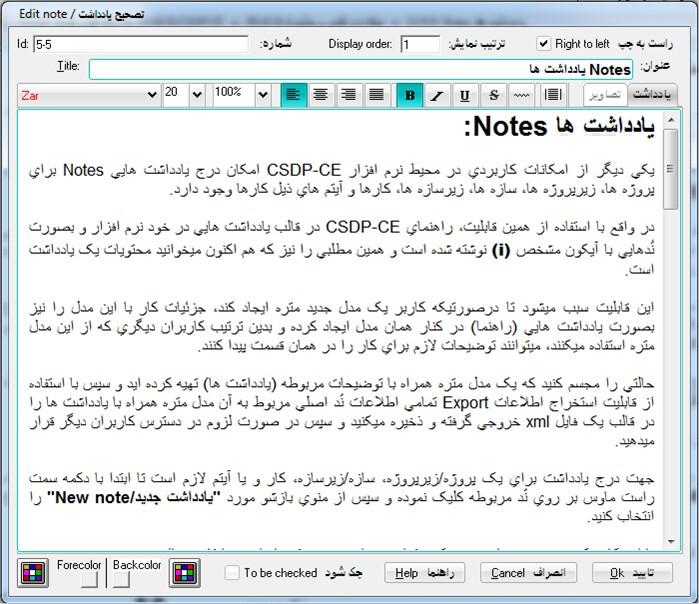
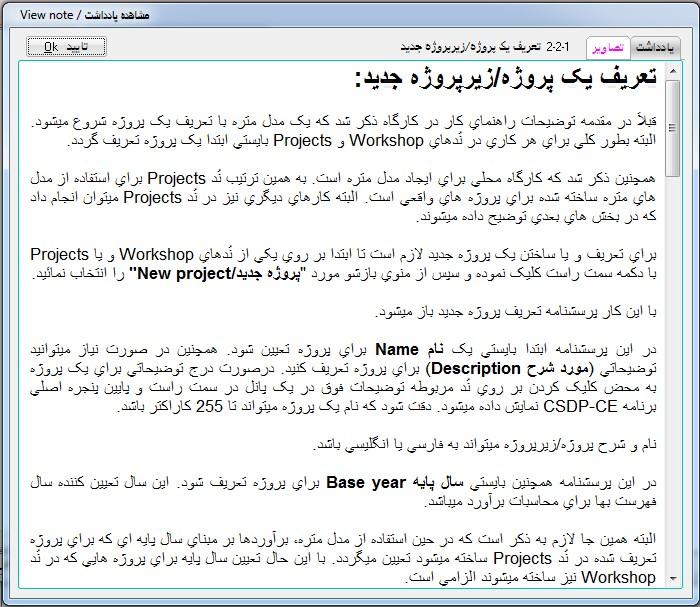
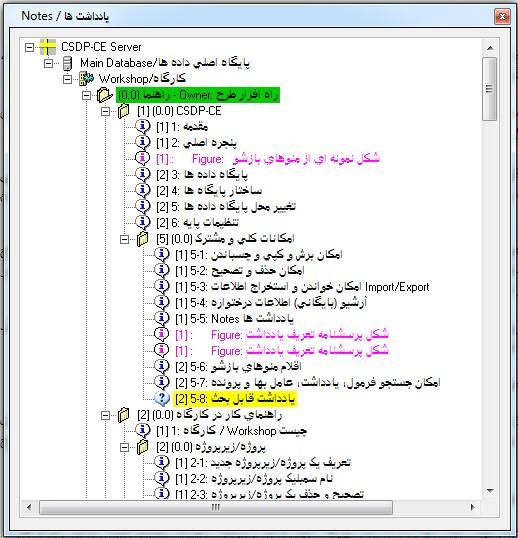
- Possibility to add notes under projects/subprojects, structures/substructures, tasks, items, templates/subtemplates, and categories/subcategories
|
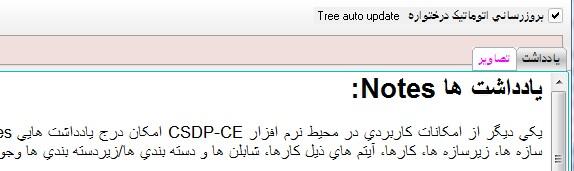
- Possibility to store one or more images with each note in the Images panel of that note, as well as the Possibility to create To Be Discussed Notes
|
|
|
- Possibility to search notes, with the option to view all notes at once
- Access to the Reference Manual in various dialog boxes using the Help key
- Possibility to add new content to the Reference Manual in the form of new notes
|
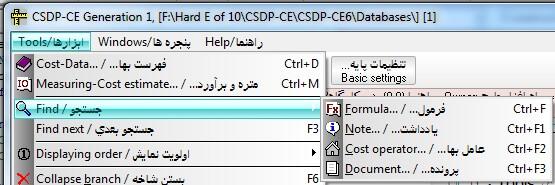
- Possibility to search formulas, notes, Cost Components, and documents
- Possibility to create To Be Discussed Notes with a distinct icon to differentiate them from other notes
|