|
|
|
|
|
|
|
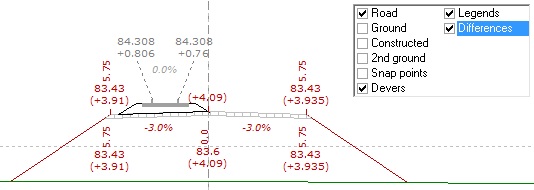
- Possibility of displaying the elevation difference between different points and the ground in Normal Mode
- Possibility of printing Reference Manual pages
- Providing a new alternative in the output report for the coordinates of pavement layer points
|
|
- Possibility of reporting section legends information to Excel in Full Reporting
|
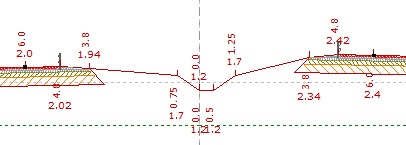
- Possibility of creating a median slope in the Extended-Highway Type in three different modes: Automatic, Lower Median, and Higher Median, as well as the possibility of creating a median drainage channel
|
- Possibility of removing the low-height step at the edge of the embankment in Case B.
- Providing an inverted form of the retaining wall shape in cross-sections
- Possibility of changing the width of each lane on the left and right sides in the Free Template using the selectable Sections Optionals
|
|
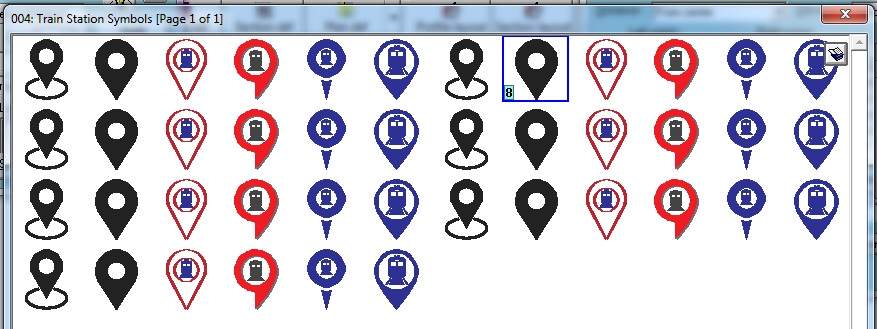
- Providing a new library of Raster-type symbols for station-related symbols in railway projects
|
- Possibility of shifting the ground cross-section points on either side of the alignment axis in the Batch Section Information dialog box
- Possibility of changing the origin of cross-section points from CL to PL and vice versa in the Extended-Highway Type in the Batch Section Information dialog box
- Providing the 1404 Macro Cost-Estimate for Road Construction
- Increasing the number of Pavement/Topsoil patterns for Free Template bands from 7 options to 12 options
|
- Possibility of reducing the ground cross-section points on either side of the alignment axis during point reading and afterward, while maintaining an acceptable match with the original shape
|
|
|
- Possibility of extending (Extend) and trimming (Trim) constructed cross-section points according to the natural ground profile
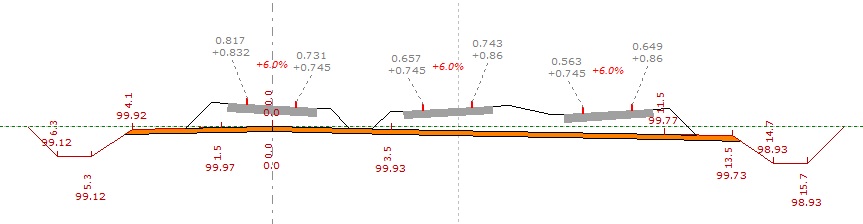
- Providing a new capability for modeling an asymmetric double-track railway
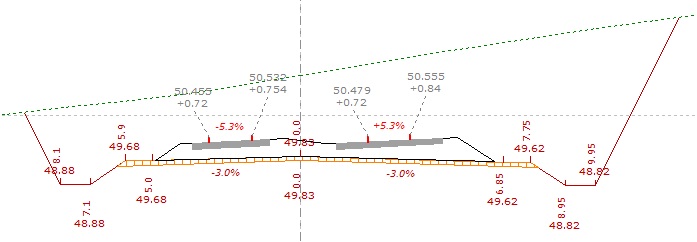
- Possibility of creating an offset in the single-track railway model
|
|
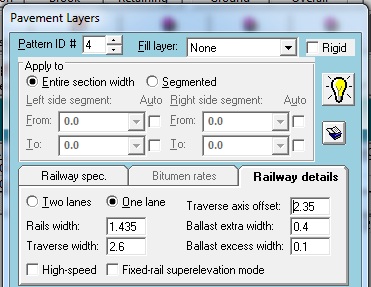
- Providing a new capability for considering high-speed trains in railway projects, as well as applying the rotation mode around a fixed rail on curves
|

|
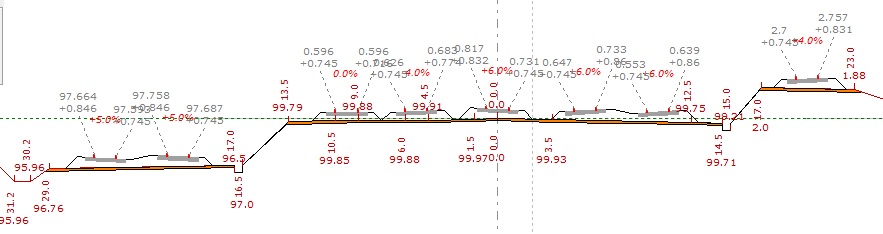
- Possibility of using Free Templates in railway projects to model stations and, in general, multiple railway tracks alongside one another in cross-sections
|
|
|
| Back to Top
|
|
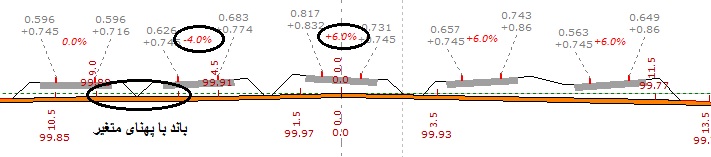
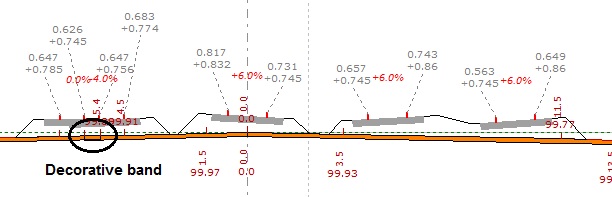
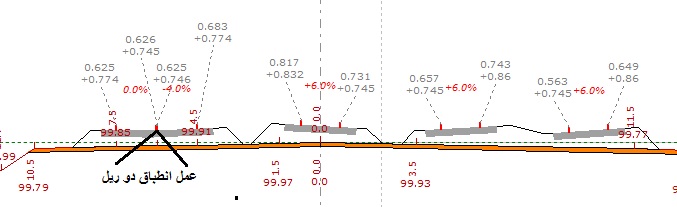
- Possibility of merging railway tracks to create turnouts at stations using Free Templates in railway projects
|
|
|
|
|
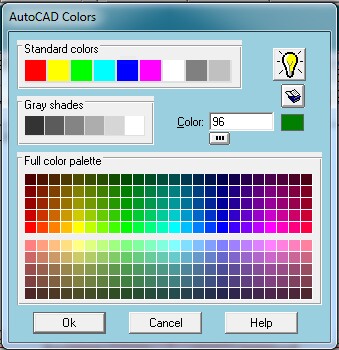
- Possibility of using a color selection dialog box similar to AutoCAD
- Providing new codes 108 to 112 for side profiles in the longitudinal profile view related to the cross-sections of railway projects
- Possibility of specifying the color of hatch lines below the longitudinal profile view when printing
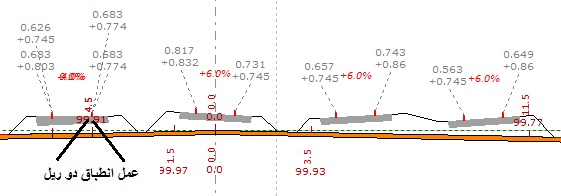
- Possibility of printing the coordinates of constructed cross-section points on the cross-section view
|
|
|
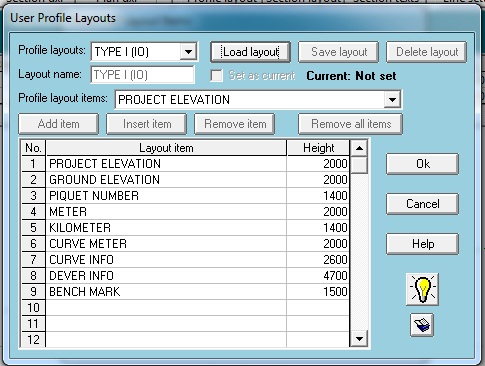
- Providing a new User Profile Layout feature for arranging the items below the longitudinal profile view according to the user's preference
- Possibility of customizing the AutoCAD settings file within the program, CSDPCAD.CFG
- Possibility of drawing compound spirals in Plan Mode based on their actual length
- Possibility of defining the actual length of compound spirals when drawing ESC curves in Plan Mode
|
- Possibility of importing cross-section legends information and bridge information (Other type), in the form of legends or symbols, from Microsoft Excel
- Possibility of reading project line information from Microsoft Excel
|