|
|
|
|
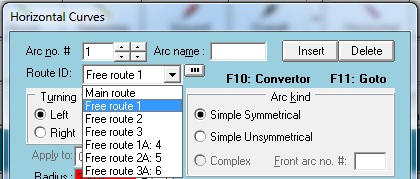
- Possibility of defining horizontal curves for the Free routes (6 routes) in addition to the horizontal curves of the main route in the Horizontal Curve Properties dialog box
|
|
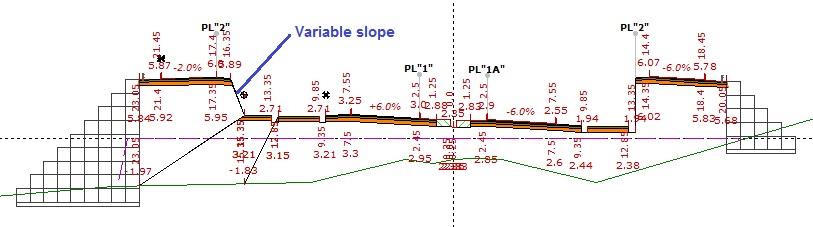
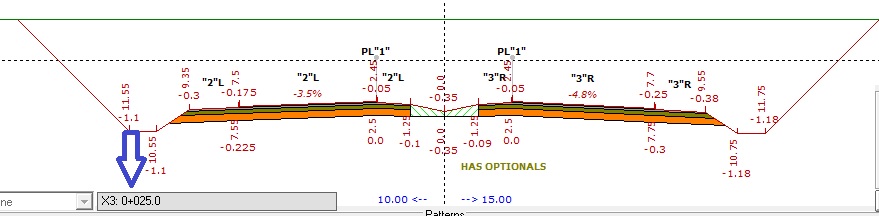
- Possibility of defining the 6 km (distance from the origin) for each Free route in the cross-sections using Optionals X1, X2, X3, X4, X5, and X6 in the corresponding dialog box
|
|
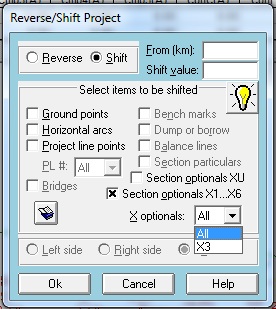
- Possibility of shifting the corresponding kilometers of the Free routes X1, X2, X3, X4, X5, and X6 in the Reverse/Shift Project dialog box
|
|
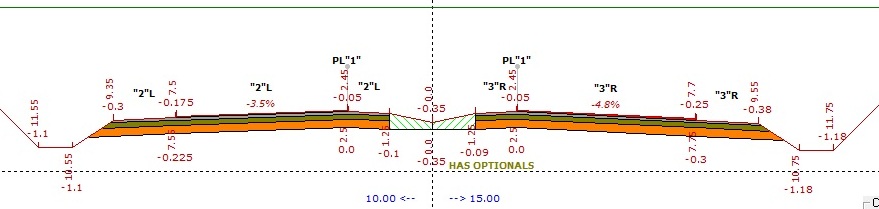
- Possibility of defining 6 design speeds for each of the Free routes in the cross-sections using Optionals V1, V2, V3, V4, V5, and V6 in the corresponding dialog box
|
|
|
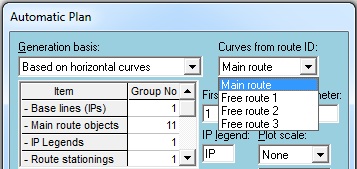
- Possibility of automatically drawing the route plan in Plan mode based on the horizontal curves of the Free routes
|
|
Back to Top
|
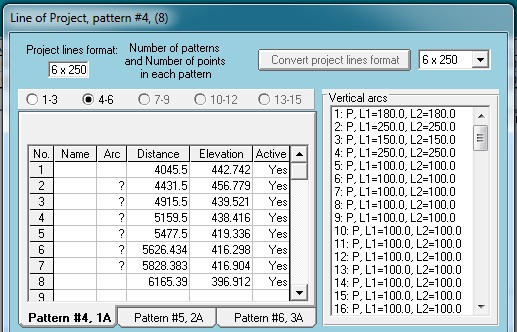
- Possibility of defining different project line formats such as 3 × 500, 6 × 250, 10 × 150, and 15 × 100, and converting between different formats
|
|
- Possibility of using the first 6 project line templates in each of the 6 × 250, 10 × 150, and 15 × 100 formats for each of the Free routes (6 routes)
|
|
|
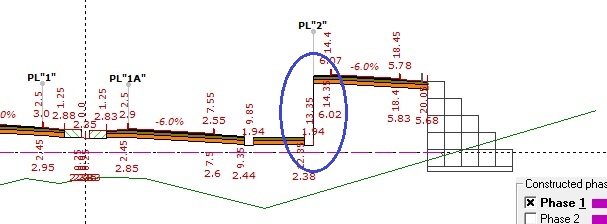
- Increase in the number of project line elevations in each cross-section from 3 items (corresponding to 3 project line templates) to 6 items (corresponding to 6 project line templates)
|
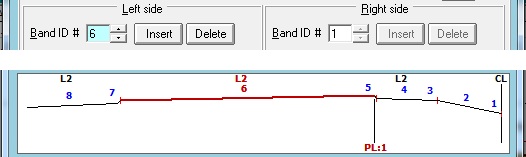
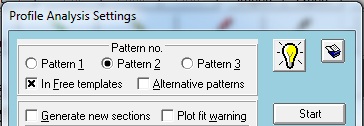
- Possibility of analyzing the profile of each of the 6 project line templates and determining the project line elevations at each cross-section corresponding to each project line template
|
|
|
- Possibility of locking each of the project line elevations (corresponding to the 6 project line templates) in the cross-sections in the Batch Cross-Section Data dialog box
|
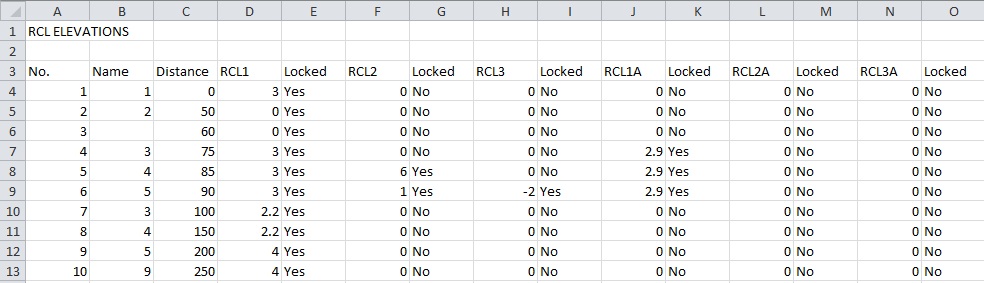
- Possibility of reading project line elevations (corresponding to the 6 project line templates) for cross-sections from a Microsoft Excel file
|
|
Back to Top
|
- Possibility of exporting project line elevations (corresponding to the 6 project line templates) for cross-sections to an Excel file using the Full Reporting dialog box
|
|
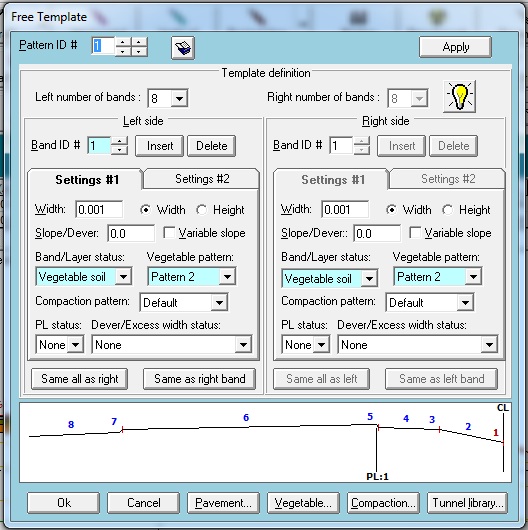
- Introduction of a new Free Templates dialog box for creating cross-section design models based on Free Templates
- Possibility of defining up to 100 Free Templates in each project file
|
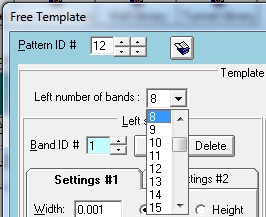
- Possibility of defining up to 48 bands on each side of the route centerline in a Free Template
- Possibility of adding and removing bands from the existing bands
|


|
|
- Possibility of copying the properties of one band to another band on either side
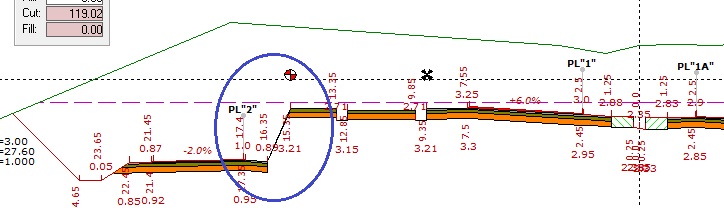
- Possibility of viewing the type designed with a Free Template directly in the Free Templates dialog box, with display features such as Zoom and Pan
|
|